Know Your Ring Size.
Ring Sizer measures on your iPhone and offers free web tools to convert ring sizes at home.
 Download
Free download · In-app purchases
Rating
4.9
Everything you need to nail the size
Built to give you a measurement you can actually trust, then read it back in whatever system the jeweler uses.
- size systems
- 12 size systems
- ways to measure
- 3 ways to measure
- sizes charted
- 25 sizes charted
- offline
- 100% offline
- sign-up
- 0 sign-up
- App Store
- 4.9★ App Store
One that fits every situation.
Calibrated to your device
iPhone 16 Pro
460 ppi · auto-detected
Your size in every system
Find your size anywhere
Adjusts for band width
"Sized my partner's ring without them ever knowing. The proposal went perfectly."
How does Ring Sizer measure?
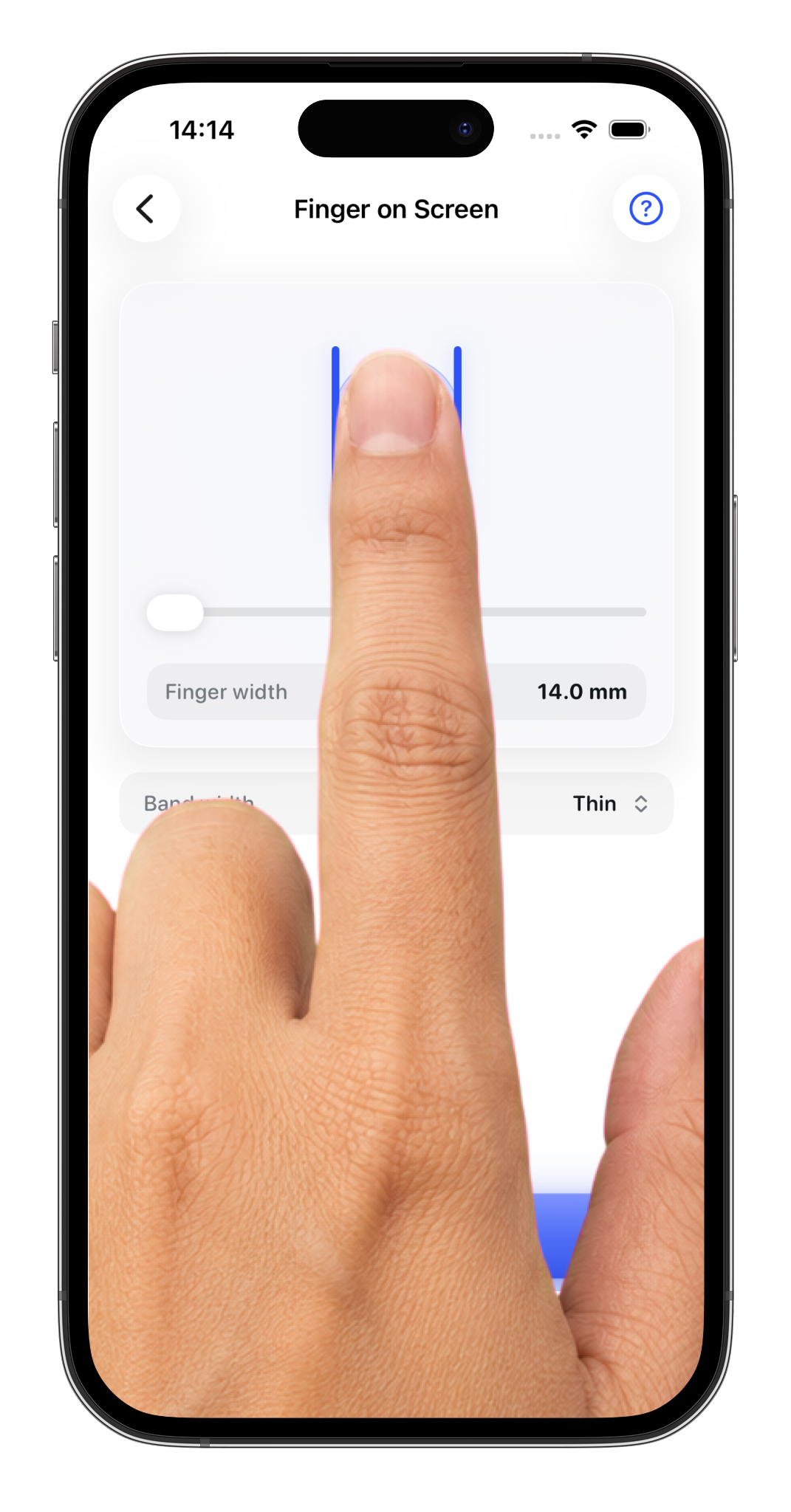
Three methods: place an existing ring on the screen, put your finger directly on the screen, or use a string or paper strip. Pick whichever you have on hand.
Which size systems are supported?
The web tools show US/Canada, UK/Australia, EU/ISO, Japan, and India within the supported reference ranges. The iPhone app includes additional regional labels. Retailer charts can differ; our methodology explains the conversion rules and limits.
How accurate is on-screen measurement?
On-screen measurement is calibrated to your exact phone model and screen size, using the device's pixel density automatically. For final orders, we recommend confirming with a jeweler.
Does it adjust for band width?
Yes. Wider bands fit tighter on the same finger. Adjust the band width slider and Ring Sizer recalibrates your recommended size automatically.
Is my data private?
All measurements and saved profiles stay on your device by default. No account required.
Is Ring Sizer free?
The web tools are free to use. The iPhone app is free to download with optional in-app purchases. Current prices and purchase options are shown in the App Store.