Printable Ring Size Chart
Print at actual size. Check the credit-card box first, then use the circles or paper strip.
Published by Ring Sizer · App developer: Pawel Boguta · Updated
1. Check print scale
Your card should match this box. If it does not, reprint at 100% / actual size.
85.6 mm x 53.98 mm
This line must be 50 mm.
2. Use the paper strip
Cut the strip, wrap it around the finger, mark the overlap, then measure the length.
- Wrap snug, not tight.
- Measure at the end of the day.
- Round up if between sizes.
3. Match a ring to a circle
Place a ring over the circle. The inside edge of the ring should touch the outside of the printed circle.
Convert the printed measurement
54 mm circumference is about US 7, UK N 1/2, EU 54.
Thin band chart size, with no fit adjustment.
Converted sizes
- US / Canada
- 7
- UK / Australia
- N 1/2
- EU / ISO
- 54
- Japan
- 14
- India
- 14
- Diameter
- 17.2 mm
- Circumference (mm)
- 54.0 mm
- Circumference (in)
- 2.126 in
Uses the Ring Sizer conversion model. Measured values and nominal size conversions can round differently. Use thin band for a chart conversion. See our methodology and supported ranges.
Frequently asked questions
- How do I know the printable chart is accurate?
- After printing, place a credit card over the calibration box. It should match the box exactly. Also check that the 50 mm ruler line measures 50 mm.
- Should I measure a ring or my finger?
- Use the circles for a ring that already fits. Use the paper strip for a finger measurement.
- What print setting should I use?
- Print at 100% scale or actual size. Do not use fit to page.
Sources and methodology
Read our conversion rules, supported ranges, and measurement limitations.
No printer? No problem
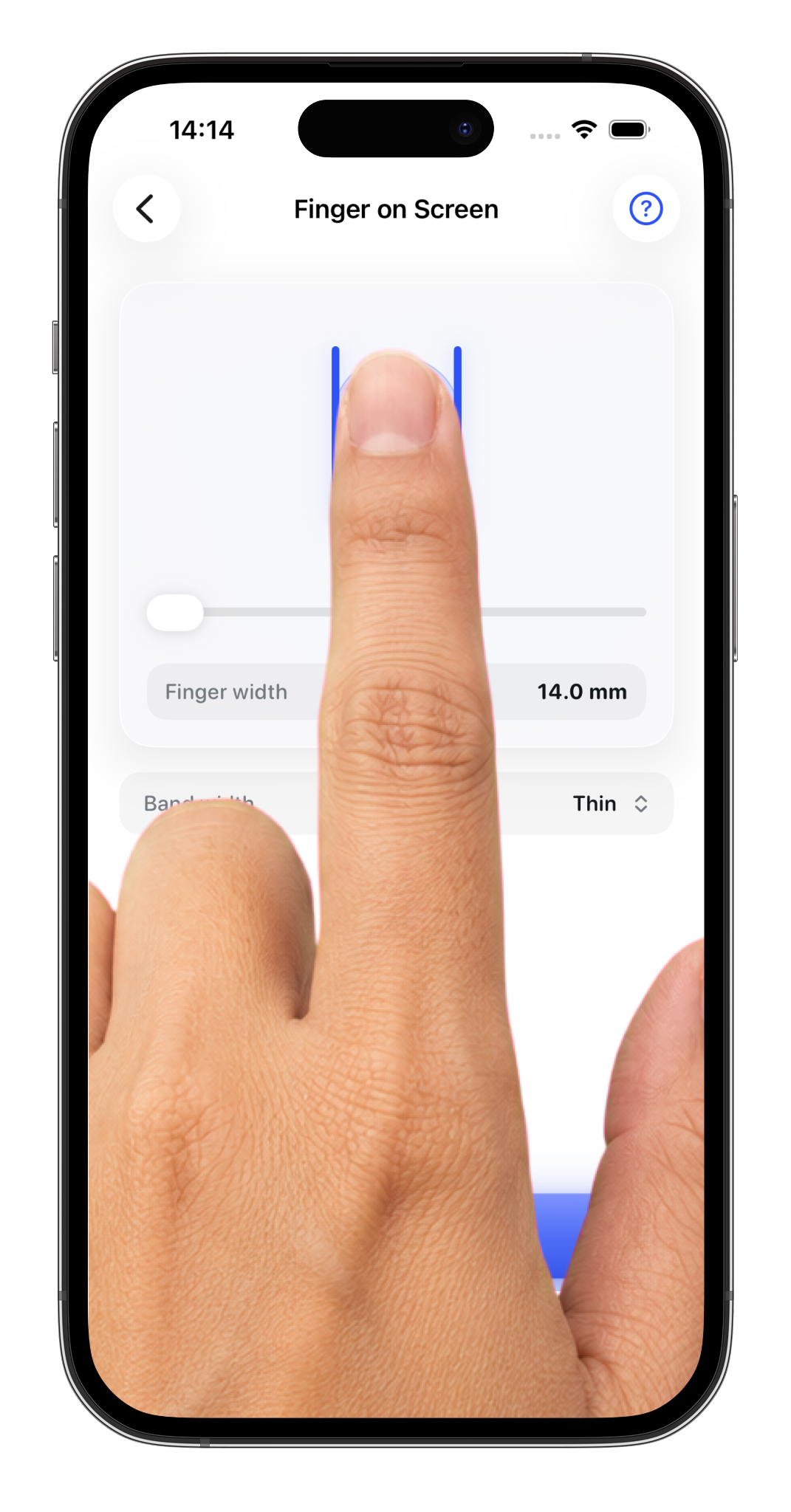
If the printout never quite lines up, skip the paper. The app measures your size right on screen, calibrated to your exact phone, the most accurate option short of a trip to the jeweler.
 Download Ring Sizer
- Free download · In-app purchases
- iOS
- No sign-up
- Works offline